For churches
Whetstone for churches
A free app for your congregation: announcements, sermons with your notes, a private prayer wall and events with sign-ups, alongside a full study Bible for every member. No ads, no purchases, no fees.
“As iron sharpens iron, so one man sharpens another.” Proverbs 27:17
What your church gets
Announcements
Write it once and every member sees it. Give an announcement a date and it goes on the church calendar too.
Sermons
Each sermon with your notes, the text and speaker notes from your PowerPoint slides, and links to listen or watch. Scripture references in the notes become links, and members can keep their own private notes.
Prayer wall
Requests shared with your church, and only your church. Members can add a request to their own prayer list. Any post can be reported or blocked, and an admin can remove it.
Events and sign-ups
RSVPs (Going, Maybe or Can’t) or registration with questions, limits with a waitlist, guests and sign-up deadlines. Every member gets the invite on their Today screen and answers with one tap.
Your podcast
Paste your sermon podcast’s feed address and the episodes appear under Sermons, newest first. Members listen right in the app.
One verse, one plan, together
Give the whole group the same verse to memorize, with a due date if you like, or set a reading plan for everyone.
A public page
An optional page with your service times, address, website, livestream link and public sermons. Keep it private, share it by link, or list it in Find a church after a quick review. Members, the prayer wall and announcements always stay private.
A study Bible for every member
Each member also gets the whole app: fifteen translations, eleven commentaries, the Bible read aloud, reading plans and 42-day Scripture memory training.
Every feature has a short video: see the church how-to videos.
Get started in three steps
1
Create your church’s group
Get Whetstone free and sign in with your email (no password). On the Community tab, create a group for your church. You’re its admin.
2
Share your invite code
Members join by typing your invite code. Put it in the bulletin or on the screen with the church kit below. Anyone who has the code can join, so share it with your congregation rather than publicly.
3
Add your first sermon and event
Add this week’s sermon and your next event, and turn on the public page if you want people to find you.
Church kit
Free to print, show and share, to tell your congregation about Whetstone.
Bulletin insert
Two half-page inserts on one letter-size sheet, with a QR code and a blank for your invite code. Print and cut.
DownloadAnnouncement slide
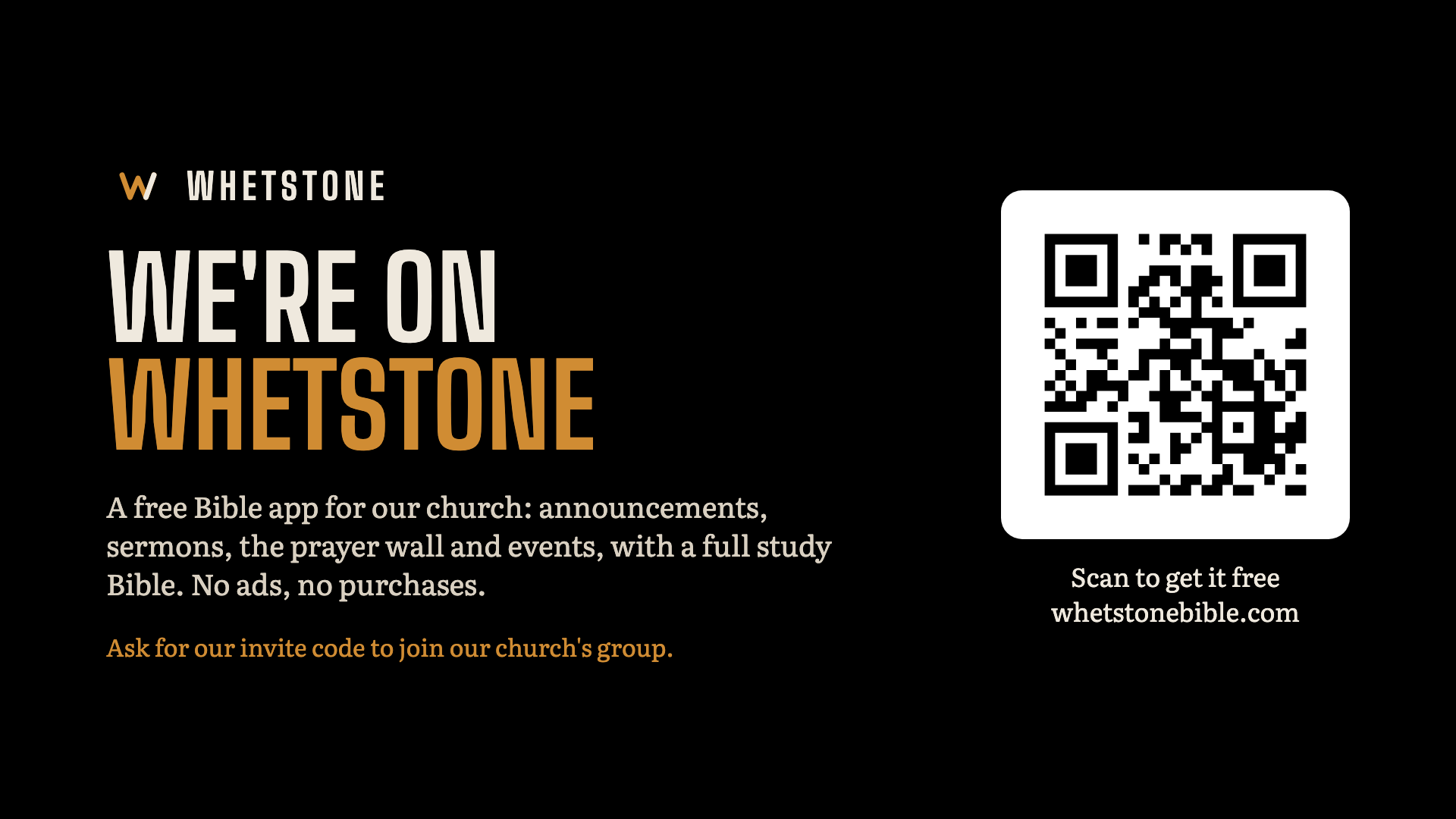
A 1920 × 1080 slide for the screen before or after the service.
DownloadQR code
Opens whetstonebible.com, where people can get the app. For your own flyers, slides or newsletter.
Download60-second video
A narrated introduction to Whetstone to play on Sunday or share online.
Download

Questions
- What does it cost?
- Nothing. Whetstone is free for churches and for every member, with no ads and no purchases.
- Who can see what we post?
- Only people who have joined your group with its invite code. The public page, if you turn it on, shows only what you choose for it.
- Do members need an account?
- To join a group, yes: they sign in with their email and a six-digit code, with no password. Reading, listening and memorizing work without an account.
- Can one person run it?
- Yes. Whoever creates the group is its admin, and runs it from the same Community tab members use.
- What happens to our members’ data?
- Personal prayer lists and notes are private to each person, and anyone can delete their account from inside the app. The privacy policy explains the rest.
Want help setting up your church? Email karl@whetstonebible.com. Read the privacy policy.